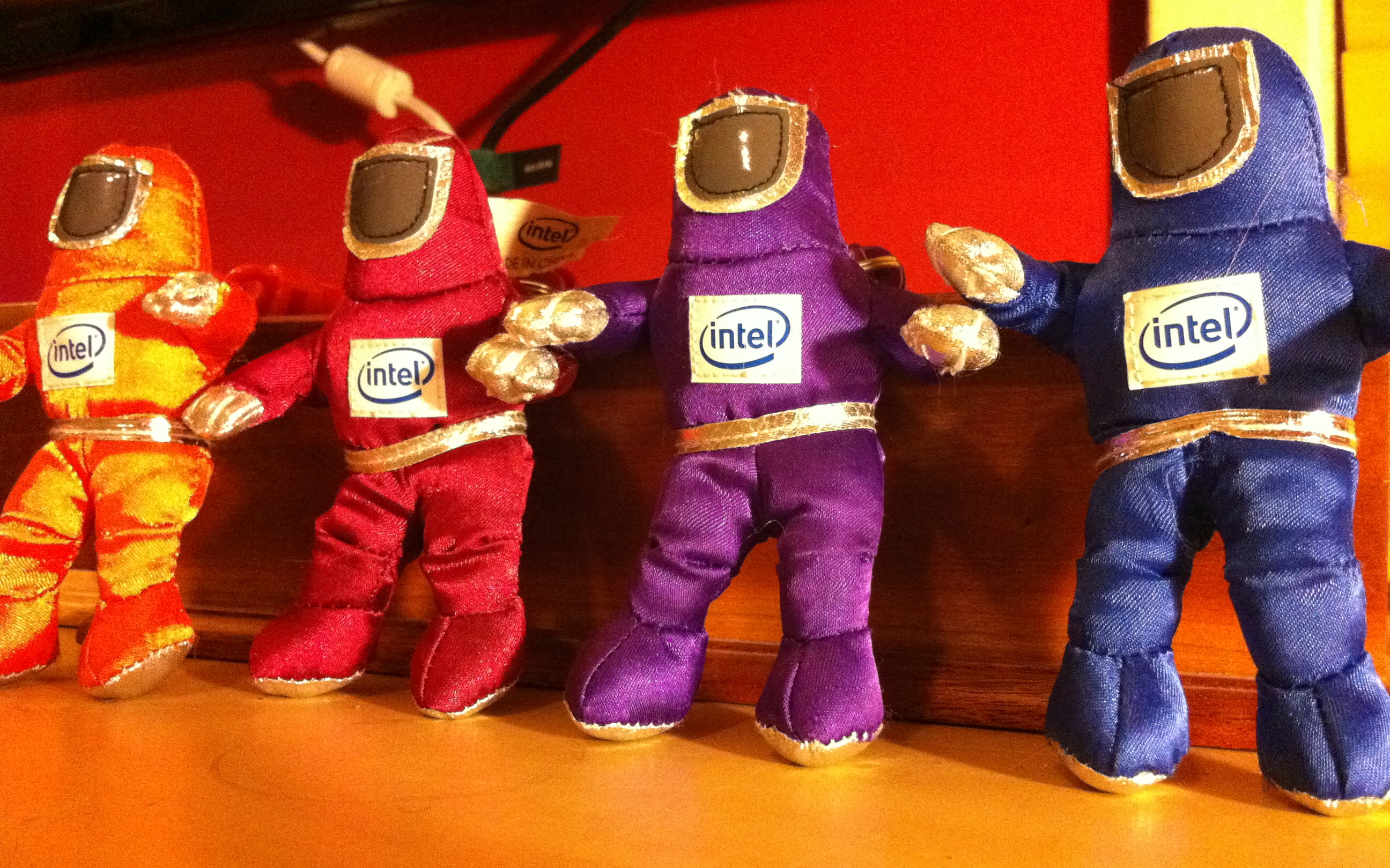
Remember those guys? They were Intel‘s mascots for the campaign surrounding the Pentium II processor, back in 1997. Why I just found four of them, as keychains, in my kids playroom in 2011, I’m not entirely sure (oldest was born in 1999)…
Remember those guys? They were Intel‘s mascots for the campaign surrounding the Pentium II processor, back in 1997. Why I just found four of them, as keychains, in my kids playroom in 2011, I’m not entirely sure (oldest was born in 1999)…


Apple‘s Time Machine backup tool is pretty cool when you own a Mac. Thing is, if your laptop drive dies while on the go and you do not have your OS X install DVD, you’re all out of luck for a restore…. To cope with this, here’s what I did with the 2.5″ external drive I backup my MacBook Pro with and take with me on most trips.
Since the drive is 500GB, which happens to be 180GB larger then my laptops’d drive, I didn’t want to use all of the space for incremental backups. Instead, I keep some spare space by splitting the drive in two partitions. I made my backups partition 330GB: my drive’s size + 10GB for the 6+GB OS X install DVD. The second partition, with an extra 170GB, can be used for movies, photos, etc when traveling.
When you format your drive with Disk Utility, be sure to select a partition scheme appropriate to boot the most likely Mac you’ll be dealing with. A lot of drives come with Master Boot Record installed, for Windows/DOS computers. Select GUID Partition Table for Intel-based Mac, by clicking the Options button underneath the partition graph in Disk Utility, then format your drive.
Once the drive formatted, Use Disk Utility to restore your Mac OS X Install DVD to your backup partition. This will give you a bootable partition, as well as give you a full OS X installer, in case of disaster with any of your or anyone else’s Mac.
Finally, simply select the same partition as your Time Machine target, run an initial backup and you’re all set. If disaster strike with your backed-up system, simply boot from your external backup drive and restore from it.
An alternative to this setup is to backup your Mac by cloning your drive with Carbon Copy Cloner (support incremental backups and scheduling too). One advantage is that your external drive is an exact copy of you backed-up system. So in case of disaster, you don’t even have to restore to be fully functional again if needed. You can simply boot from your backup drive and start working from there. When it’s time to restore, simply clone the said drive to a new one and pickup right where you left off. I might do that for my laptop, but I like the concept of having the OSX installer and backups at once with me in the meantime.
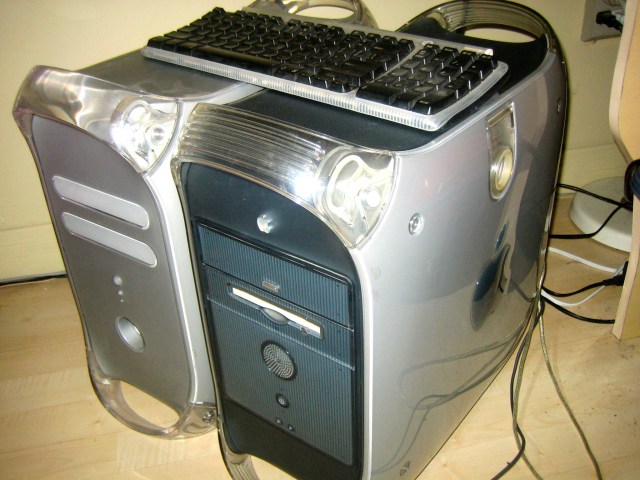
It sure had been a while since I worked on an Apple PowerMac G4. Tonight, I did so on two at once. The blue one is from April 1999, is a G4 450 Mhz and was bought the same month my 1st son was born. The grey one is, I think, from 2001, is a G4 887 Mhz and was once a web server running Yellow Dog Linux. Both are fully functional and my mom is still using the newer one.
In the same vein, the Glif is also pretty neat, and funded in the same fashion.
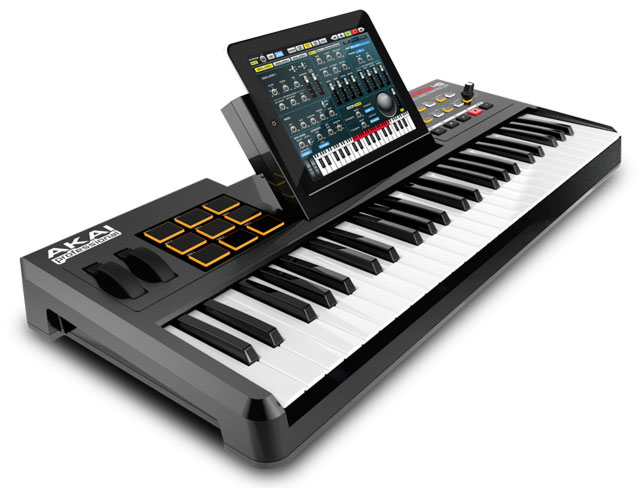
SynthStation49 is the most advanced, intuitive music controller designed specifically for use with the iPad and the first true iPad performance tool for musicians. Working seamlessly with Akai Professional’s heralded SynthStation software, SynthStation49 provides unparalleled music creation capabilities, including direct in-app MIDI recording from its velocity-sensitive keyboard, nine MPC-style drum pads and array of transport controls. In addition to its integration with the SynthStation app, SynthStation49 is also completely iOS CoreMIDI compatible, making it instantly compatible with dozens of music apps already in the App Store and hundreds more on the way.
Don’t own an iPad? Never fear, there’s also the SynthStation25 for iPhone and iPod Touch.
Found via TUAW.
 tekArtist